Law firms · MOFU
Law firm walkthrough: client portal for boutique firms
An illustrative client-portal workflow for a boutique law firm: document collection, engagement letters, approval records and invoices.
By ClientNest365 team · Published · Updated · 2 min read
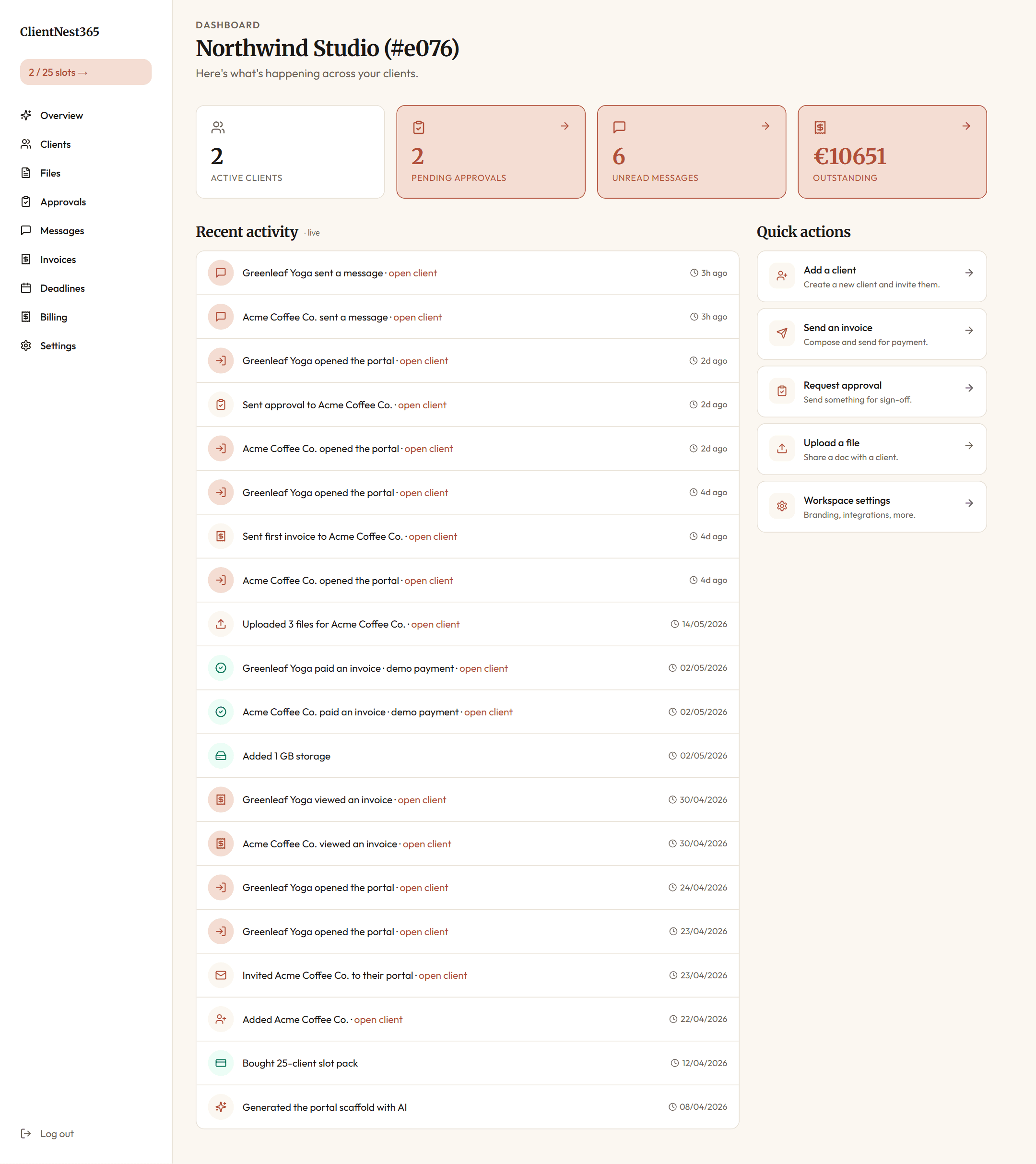
An example matter, from opening to close
This walkthrough is an illustrative scenario, not a customer case study. The firm and matter are fictional. It does not report measured payment times, client satisfaction or completed internal reviews.
Imagine a two-partner commercial practice opening a supplier-contract matter. The client needs to share documents, review a draft and keep track of the invoice. The portal gives that exchange a single location; the lawyer remains responsible for advice, conflict checks and the firm's own procedures.
Set up the client workspace
Create a client record and use a matter-specific name so the team can distinguish concurrent engagements. Confirm who should receive access before sending an invitation. Put the scope and the responsible contact in the welcome message.
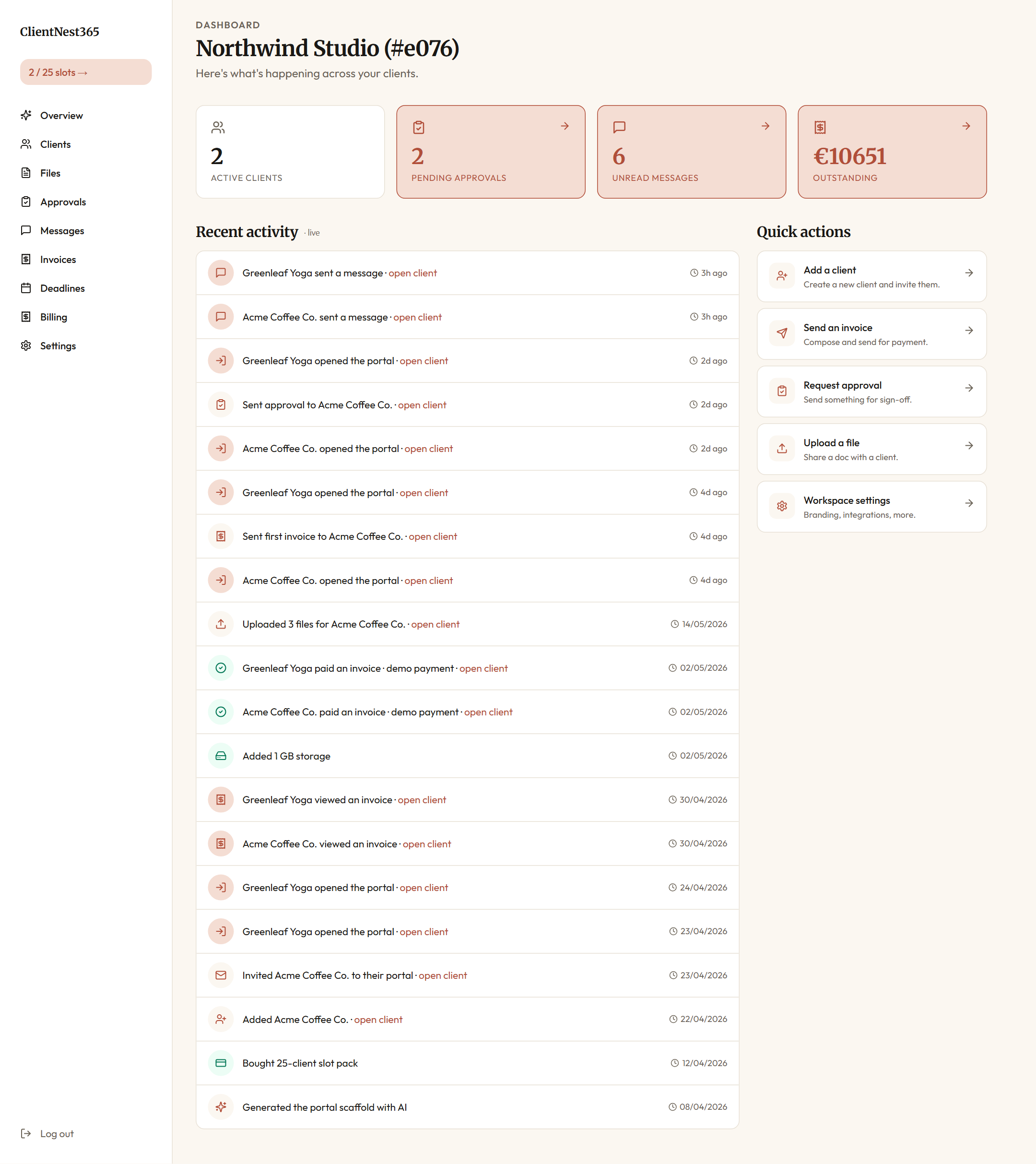
Collect the documents
Use the Files section for the documents needed for this engagement. Give each request a clear name and explain which version is required. Review the submitted files before relying on them. A portal upload does not perform a conflict check or verify identity by itself.
Keep the approval attached to the draft
Create an approval for the relevant deliverable, describe the decision needed and point the client to the correct draft. A requested change should identify what must change before the next review. Keep substantive legal advice in the firm's agreed review process.
An approval record is a product activity record. It should not be described as a substitute for an electronic signature or an independent legal audit without checking the requirements for the engagement.
Track messages and invoices
Keep routine questions in Messages so the client can find the discussion alongside the matter. Use Invoices to present the agreed bill and follow its status. Check the configured payment provider and actual settlement records before treating an invoice as paid.
Plan the portal cost
A 10-client slot pack costs $35 once. A 25-client pack costs $75 once. Choose capacity for the clients you expect to onboard; confirm storage and optional add-ons on the pricing page. These are product prices, not evidence of savings at a real law firm.
Evaluate the workflow
Try the public demo with sample information. Check whether the client can find a requested document, respond to an approval and locate an invoice. During a real pilot, record missing-document requests and time to approval against your own baseline. No improvement percentage or payment-cycle result is promised here.
For the product's current data-handling terms, read the privacy policy and DPA before using confidential client material.